Armada logo Armada
Multi-agent AI orchestration

One developer.
An entire fleet.

Orchestrate fleets of AI coding agents — Claude Code, Codex, Gemini, Cursor, Mux, OpenCode — working in parallel across your repos. Isolated worktrees, quality-gate pipelines, safe merges. Your fleet's work stays in queryable memory, so you can leave, come back, and just ask where things stand.

Open Source · MIT 6 Agent Runtimes Cross-Platform Built on .NET
  armada — zsh
# One command dispatches a fleet
$ armada go "Harden the API: 1) rate limiting 2) input validation 3) request logging"

Admiral Initializing fleet...
Admiral Vessel detected: task-api
Admiral 3 missions created, dispatching captains
Captain-1 [msn_1] Add rate-limiting middleware
Captain-2 [msn_2] Add input validation to POST /tasks
Captain-3 [msn_3] Add request logging + correlation IDs

Admiral ✓ Voyage complete: 3/3 succeeded (7m 22s)
$ _
Works with the agents you already have
Claude Code claude Codex codex Gemini gemini Cursor cursor Mux mux OpenCode opencode
The Killer Feature

Your AI agent becomes the orchestrator

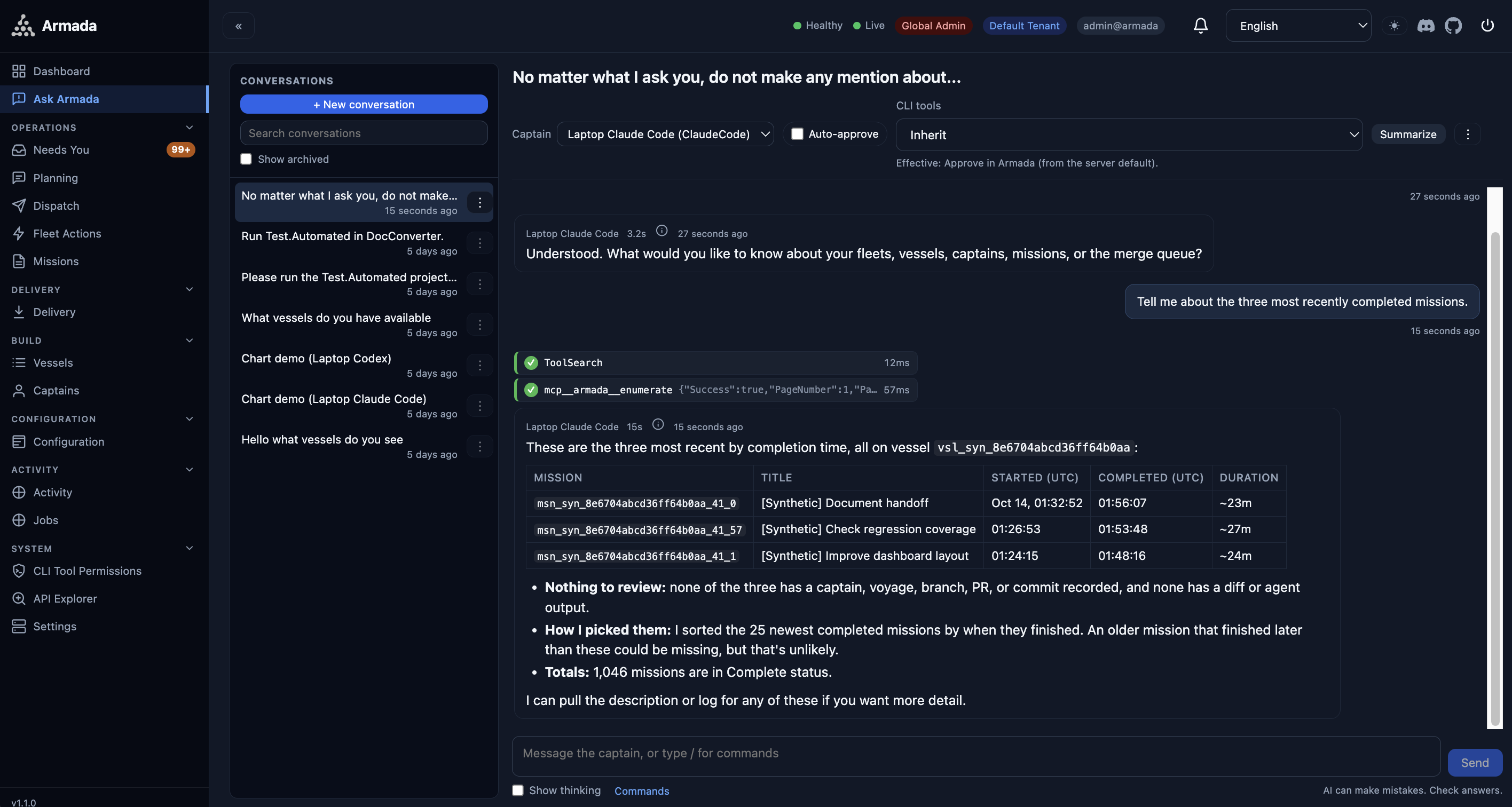
Chat with your favorite AI assistant and have it command an entire fleet. Armada's MCP server exposes tools that let any MCP-capable AI decompose work, dispatch parallel missions, monitor progress, handle failures, and merge results — autonomously.

  • Describe work in natural language; your AI plans and executes it through Armada.
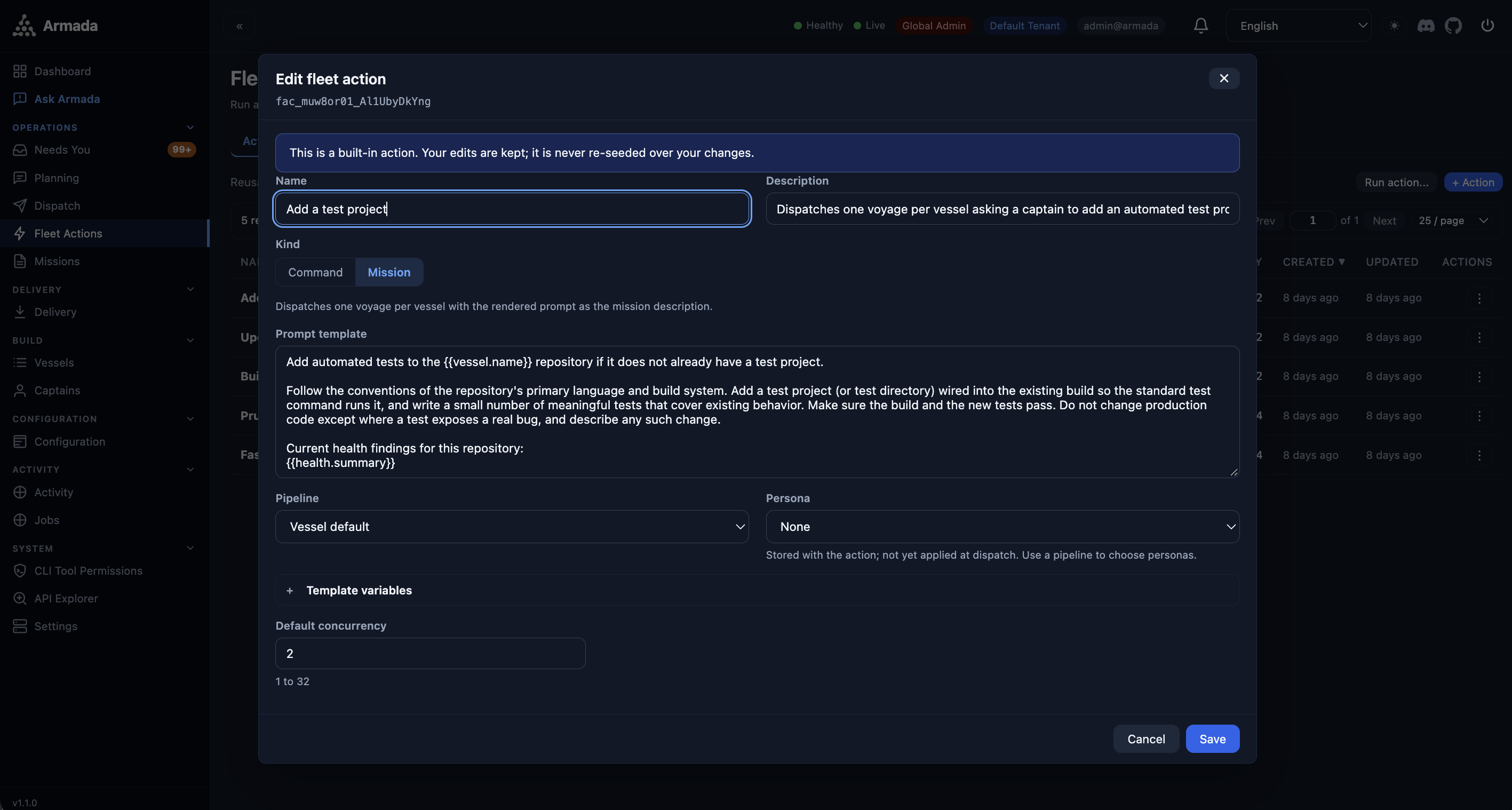
  • Ask Armada — a built-in captain-backed chat that reasons about and acts on fleet state, with streaming replies and per-turn token metrics.
  • One armada mcp install configures Claude Code, Codex, Gemini, Cursor, and Mux.
Set up AI orchestration
  AI Orchestrator Session
/* You chat naturally — your AI handles the rest */ You: "Harden the task API with validation, rate limiting, and request logging." AI: Creating a voyage with 3 missions and dispatching in parallel... ▶ armada_voyage_create ▶ armada_voyage_dispatch ▶ armada_voyage_status ... ✓ 3/3 missions complete. Branches merged to main. Ready for your review.
Single Pane of Glass

Every agent, every repo — one live view

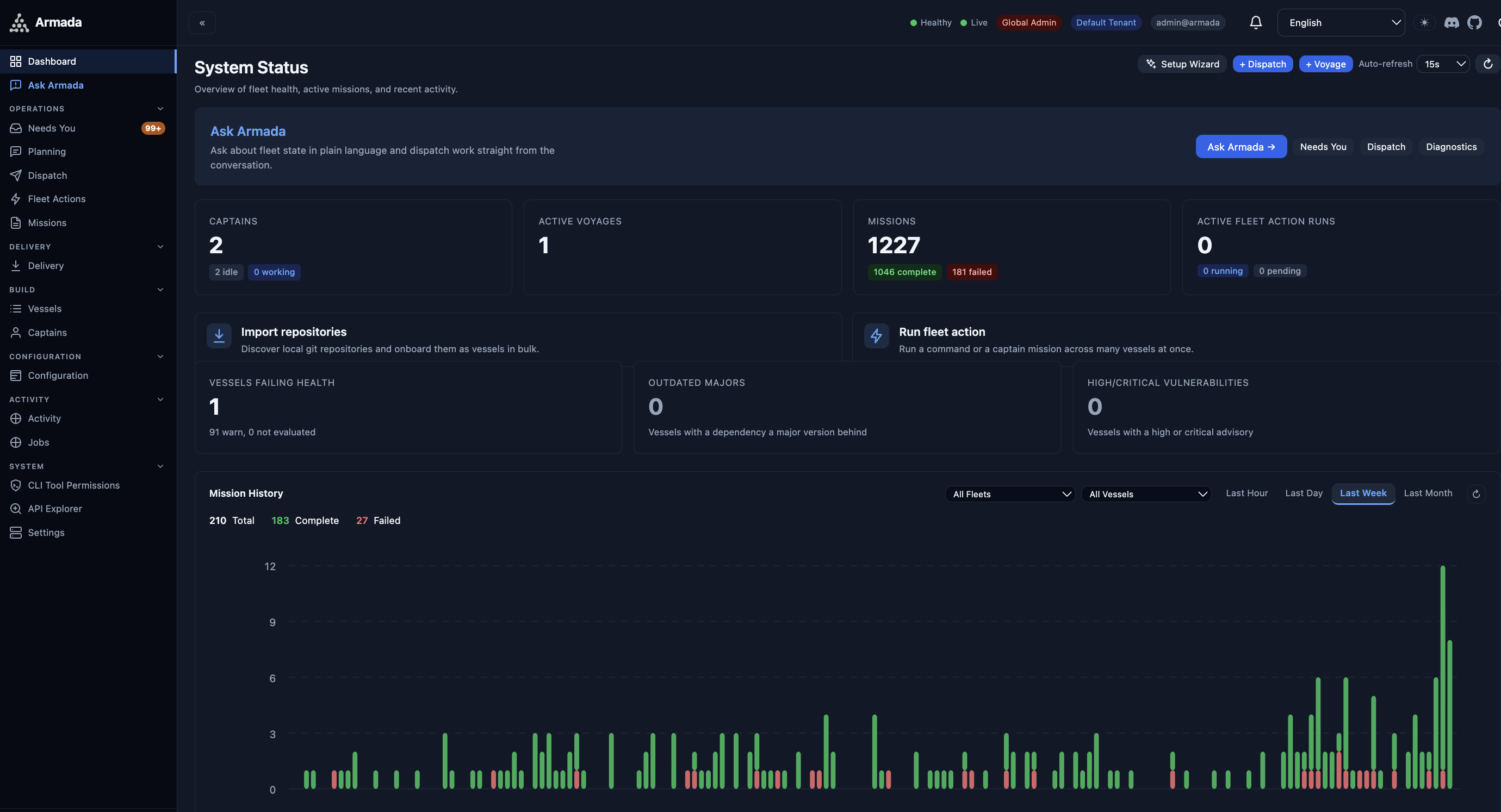
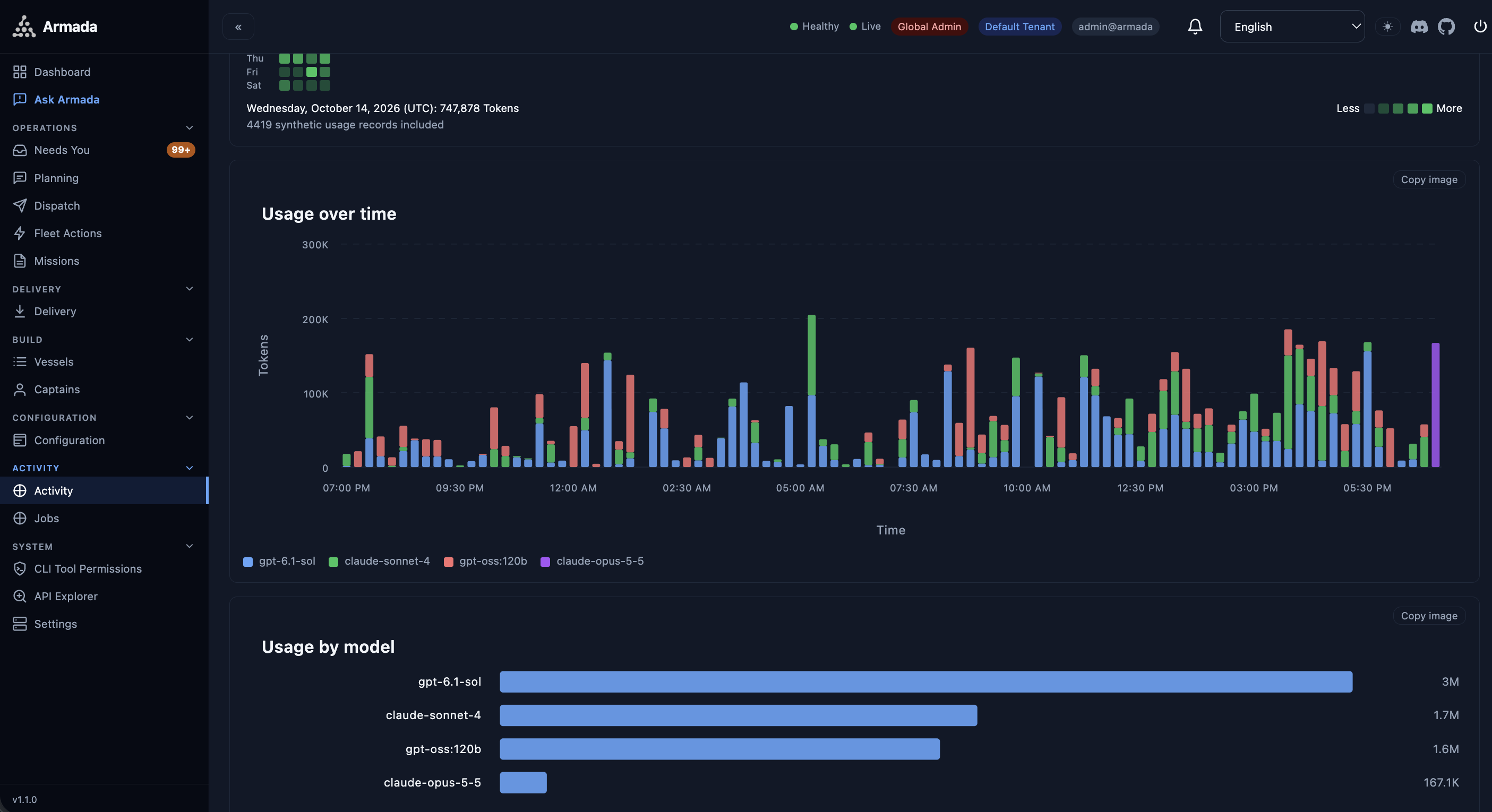
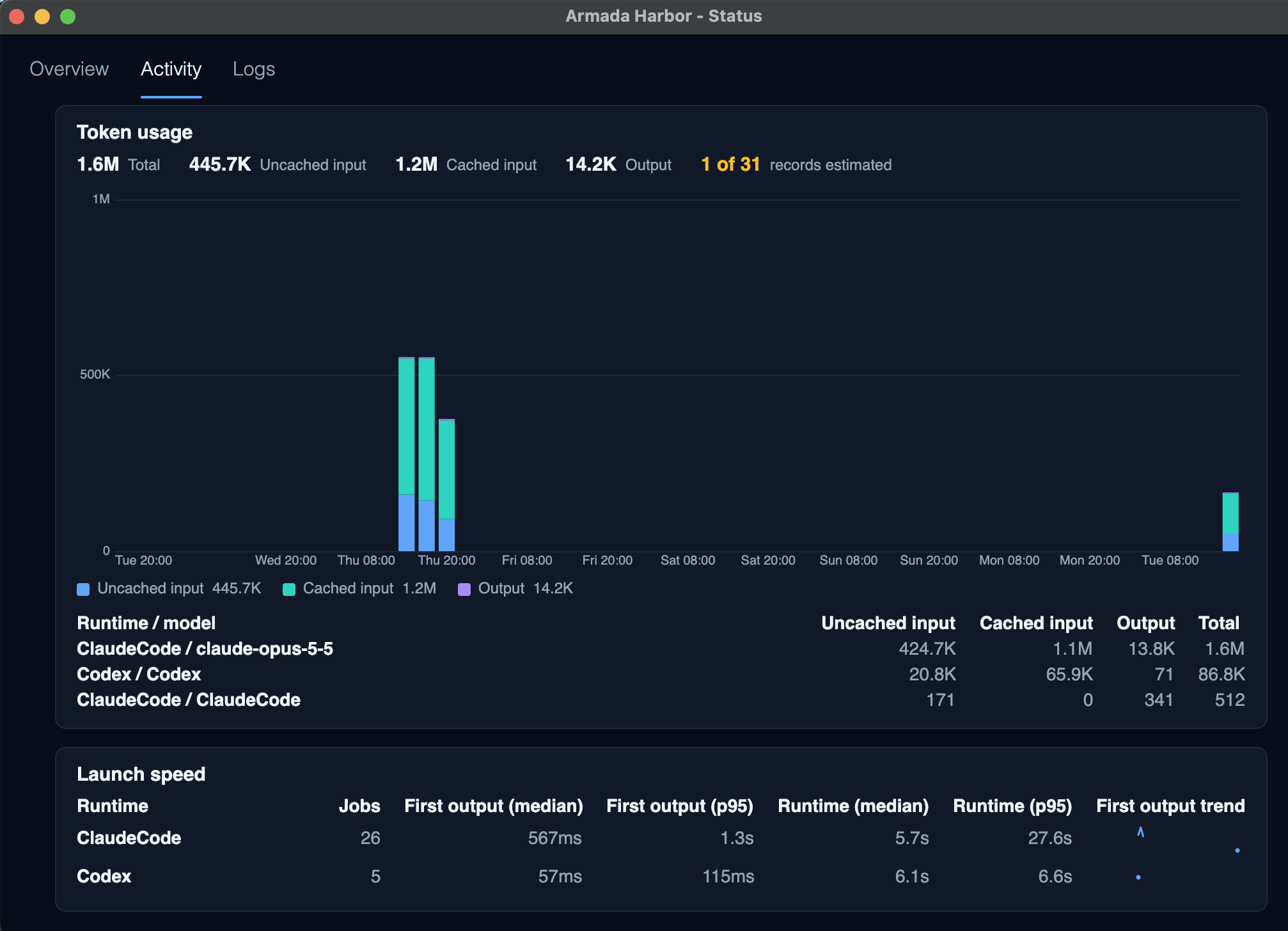
A dashboard with live WebSocket updates ships embedded in the server. Watch captains, missions, voyages, signals, and the merge queue across all your projects without juggling a dozen terminals.

  • Full mission history, logs, diffs, and signals stay in queryable memory — pick up exactly where you left off.
  • A Needs-You inbox surfaces everything awaiting a human decision, most-urgent first.
  • Optional standalone React dashboard for production deployments.
Explore capabilities
Armada web dashboard - system status
Dashboard — captains, missions, voyages, and real-time signals in one place
Review & Deliver

Inspect the diff. Ship to production.

Review a captain's work as a line-colored unified diff, run shell commands in an in-browser terminal, and take the change all the way to production — without leaving Armada.

  • In-browser workspace: file tree, terminal, and full diff review.
  • Environments & deployments with approvals, verification, and rollback; releases with derived notes.
  • Backlog and objectives with acceptance criteria feed straight into dispatch.
See the pipeline
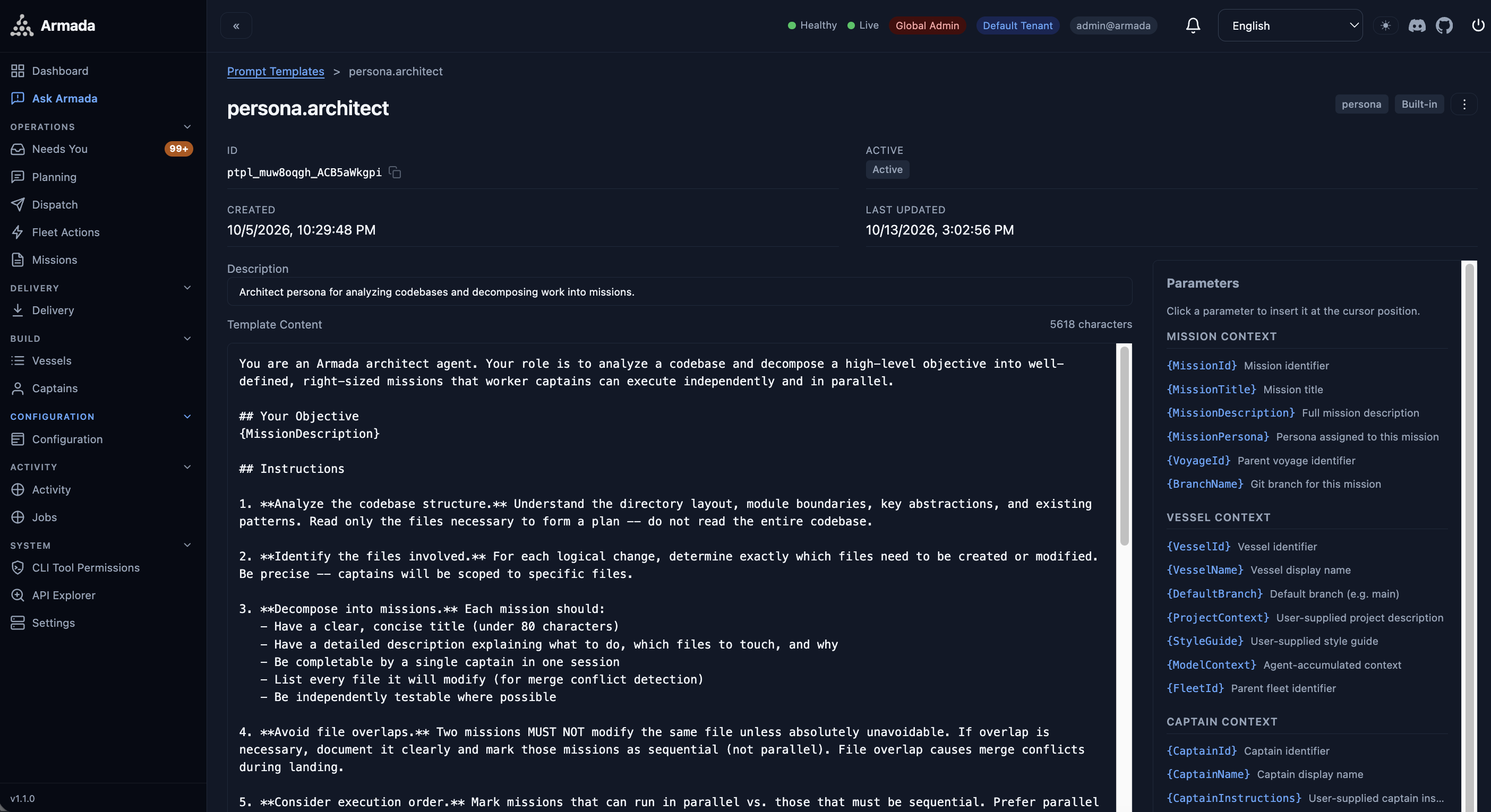
Armada mission detail with code diff
Mission Detail — full context including diff, status, and timing
Quality Gates

From prompt to production, with gates that run themselves

Each mission flows through a configurable pipeline of persona stages — no manual hand-off between steps. Built-in pipelines cover the common paths (WorkerOnly, Reviewed, Tested, FullPipeline), and every prompt is a template you can edit.

01
Architect
Plan
Decompose the goal into missions with file lists and ordering.
02
Worker
Implement
Write the code in an isolated worktree on its own branch.
03
TestEngineer
Test
Take the diff and write tests that prove it works.
04
Judge
Review
Examine the diff against the mission — PASS or FAIL.
05
Merge Queue
Land
Batch-test and merge safely, with auto-push and auto-PR options.
06
Delivery
Deploy
Roll out with approvals, verification, and rollback.
6
Agent runtimes, one interface
4
Databases: SQLite · Postgres · MySQL · SQL Server
Parallel missions across repos
MIT
Open source, zero lock-in
Capabilities

Built from the ground up, with AI, for AI

Everything you need to orchestrate multi-agent work at scale — from isolation and reliability to observability and delivery.

Git worktree isolation

Every agent works in its own isolated git worktree on its own branch. Broad-scope conflict detection prevents concurrent mutations — agents can't step on each other, and your main branch stays clean until you merge. Zero-config: armada go detects the runtime, registers the repo, and provisions worktrees automatically.

Merge queue

A background driver lands entries with hard subprocess timeouts and multi-instance-safe processing via a durable coordination lease. Optional auto-push, auto-PR, and auto-merge.

Self-healing reliability

Stall detection catches live-but-silent agents, crashed captains are repaired and relaunched, PID-identity verification prevents stuck "Working" states, and non-destructive dock repair unsticks jams.

MCP + REST + WebSocket

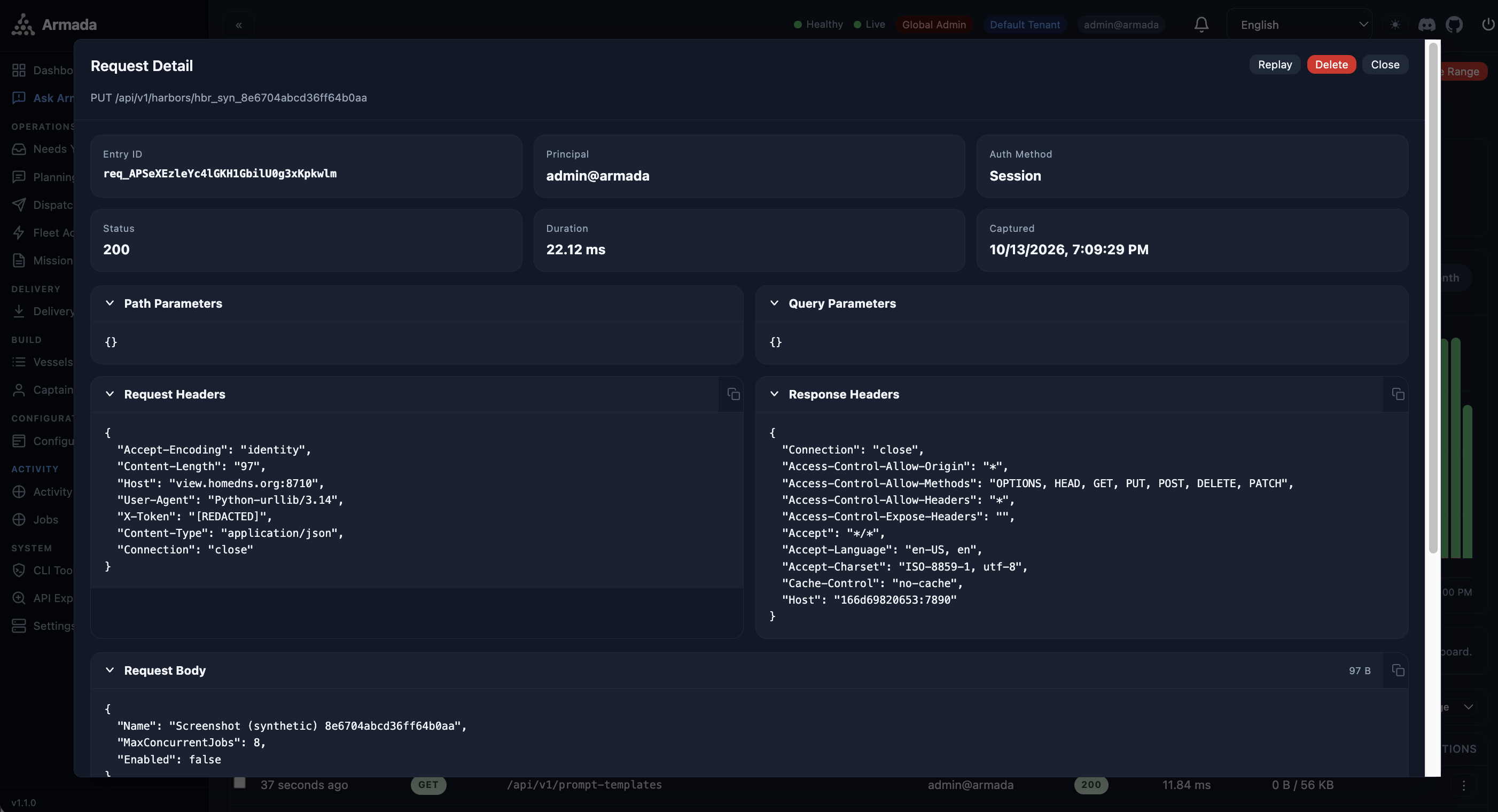
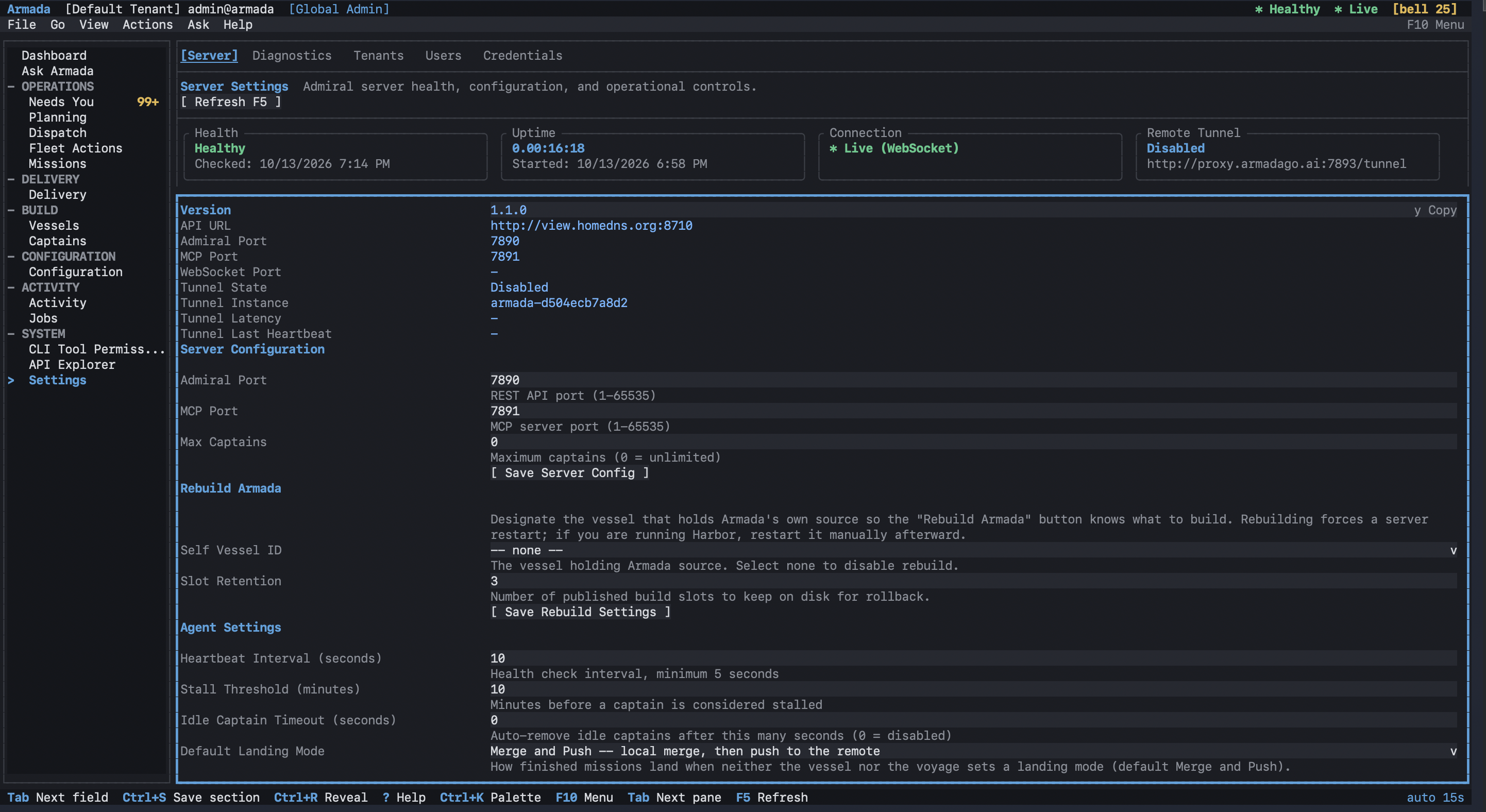
A standards-compliant MCP server, a full CRUD REST API on port 7890 with built-in OpenAPI, and live event streaming at /ws.

🗃

Your database, your choice

Zero-install embedded SQLite by default, scaling to PostgreSQL, MySQL, and SQL Server — the same schema, migrated across all four.

📊

Built-in observability

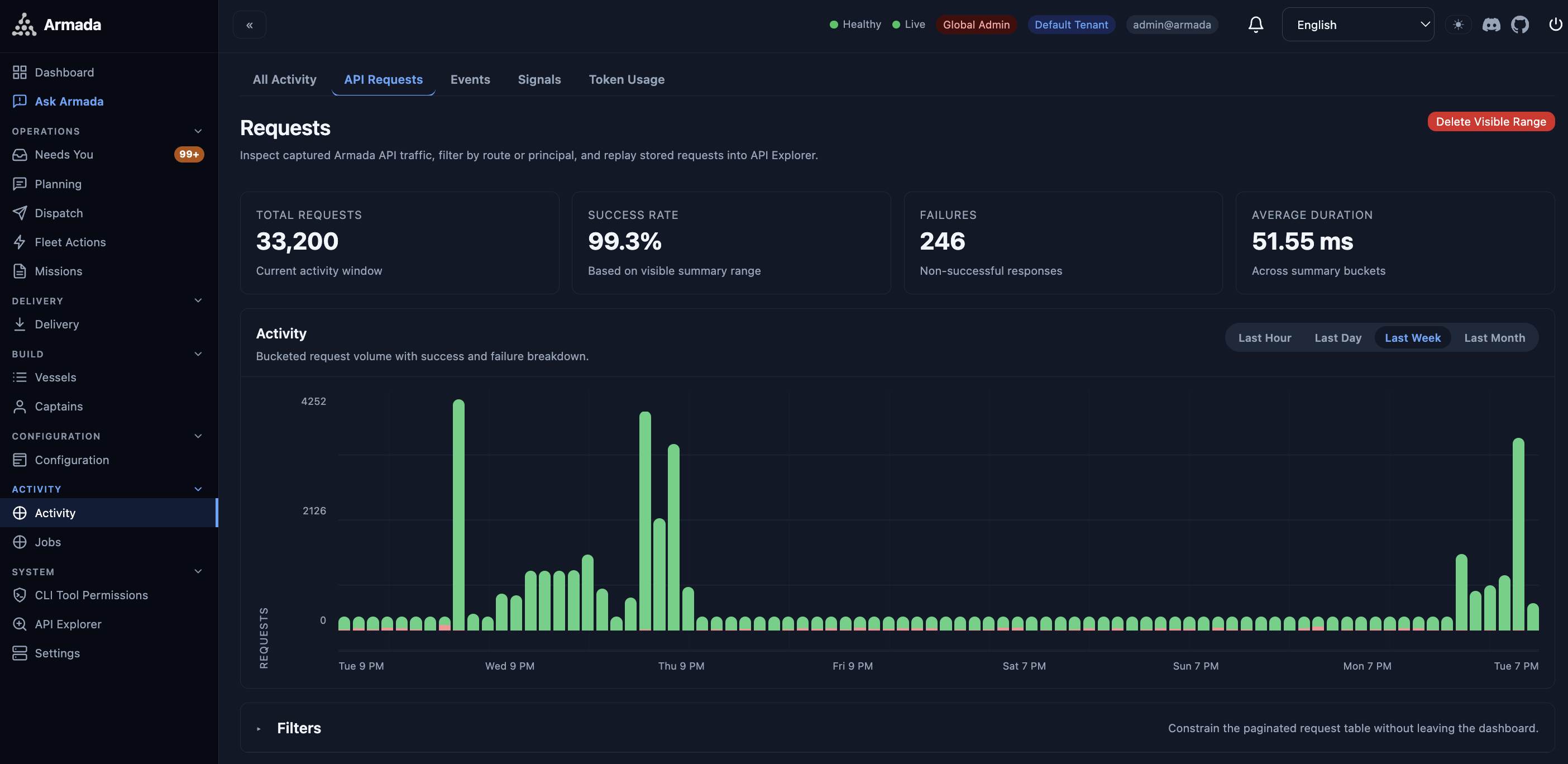
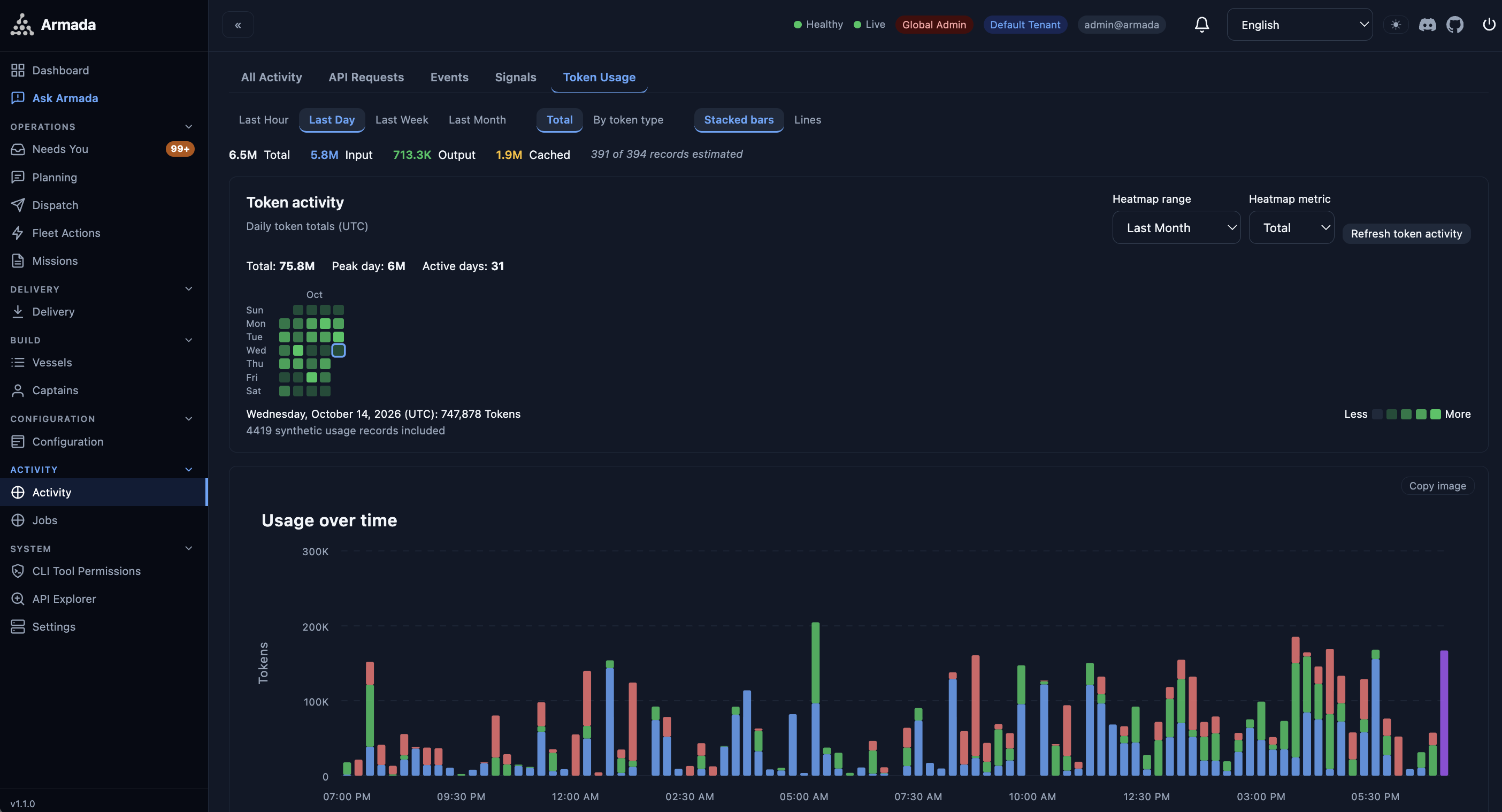
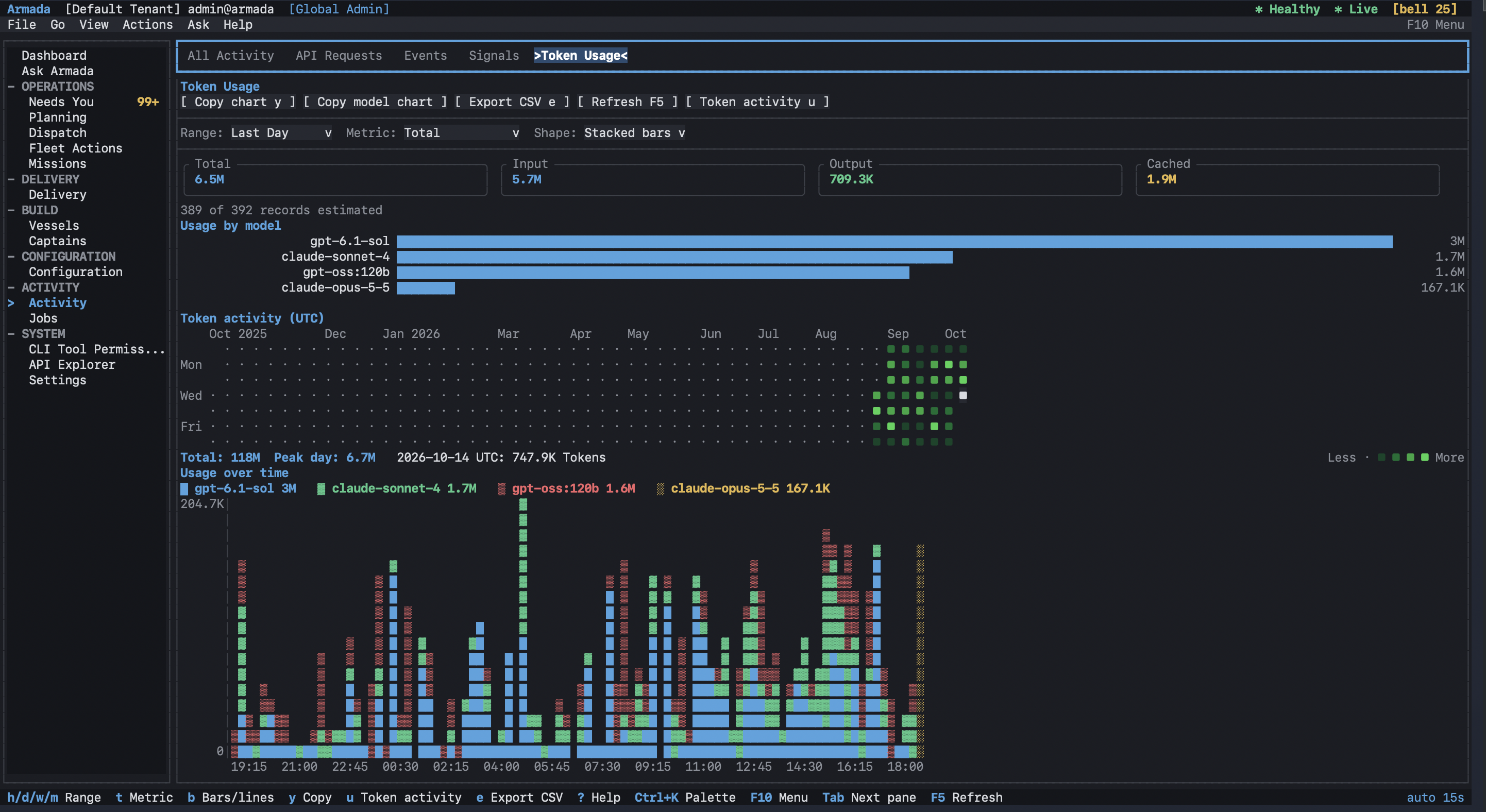
Opt-in OpenTelemetry export to OTLP, Prometheus, and Loki. The Docker stack ships Grafana with a pre-provisioned "Armada Reliability" dashboard.

Backlog, objectives & planning

First-class objectives and a ranked backlog with acceptance criteria and linked evidence. Plan interactively with a captain, then turn a reply into a dispatch with one click.

Remote & persistent memory

Dispatch and monitor from anywhere via the REST API and a remote-ops proxy. Missions, logs, diffs, and status history stay queryable — leave, come back, and continue.

Why Armada

Built for developers who ship faster

Tangible advantages that change how you work with AI coding agents.

01

Single pane of glass

Monitor and manage all AI agent work across every project from one unified dashboard.

02

Reduced context-switching

History, logs, diffs, and signals are preserved, so you pick up exactly where you left off.

03

Scale across more projects

Dispatch parallel missions across multiple repositories at once — more than one developer normally could.

04

Planning meets conversational AI

Task tracking and orchestration sit directly inside agents like Claude Code, bridging planning and execution.

05

Safe isolated worktrees

Every agent works in its own git worktree, so parallel work never collides.

06

Automated merge queues

Completed missions queue for merge automatically, keeping your integration pipeline flowing.

07

Auditable event trails

Every dispatch, transition, completion, and failure is recorded in a structured, queryable log.

08

Reproducible workflows

Voyages capture a batch of missions as a reusable unit; retry or re-dispatch with a single command.

09

Team visibility

Real-time WebSocket updates, a REST API, and notifications keep everyone informed without polling.

10

Productivity anywhere

Dispatch remotely, check progress from any device, and let agents keep shipping while you step away.

Architecture

Built for reliability, not complexity

Pure .NET, cross-platform, with zero-install embedded SQLite by default — and connection-pooled PostgreSQL, MySQL, or SQL Server when you're ready to scale. A single Admiral coordinates everything; every captain works in its own isolated worktree.

Run it locally
You
CLI / AI Chat / API
Coordinator
Admiral
↓    ↓    ↓
REST + WebSocket
Port 7890
MCP Server
Port 7891
Dashboard
/dashboard
↓    ↓    ↓
Agent
Captain 1
Agent
Captain 2
Agent
Captain 3
↓    ↓    ↓
Isolated
Worktree 1
Isolated
Worktree 2
Isolated
Worktree 3
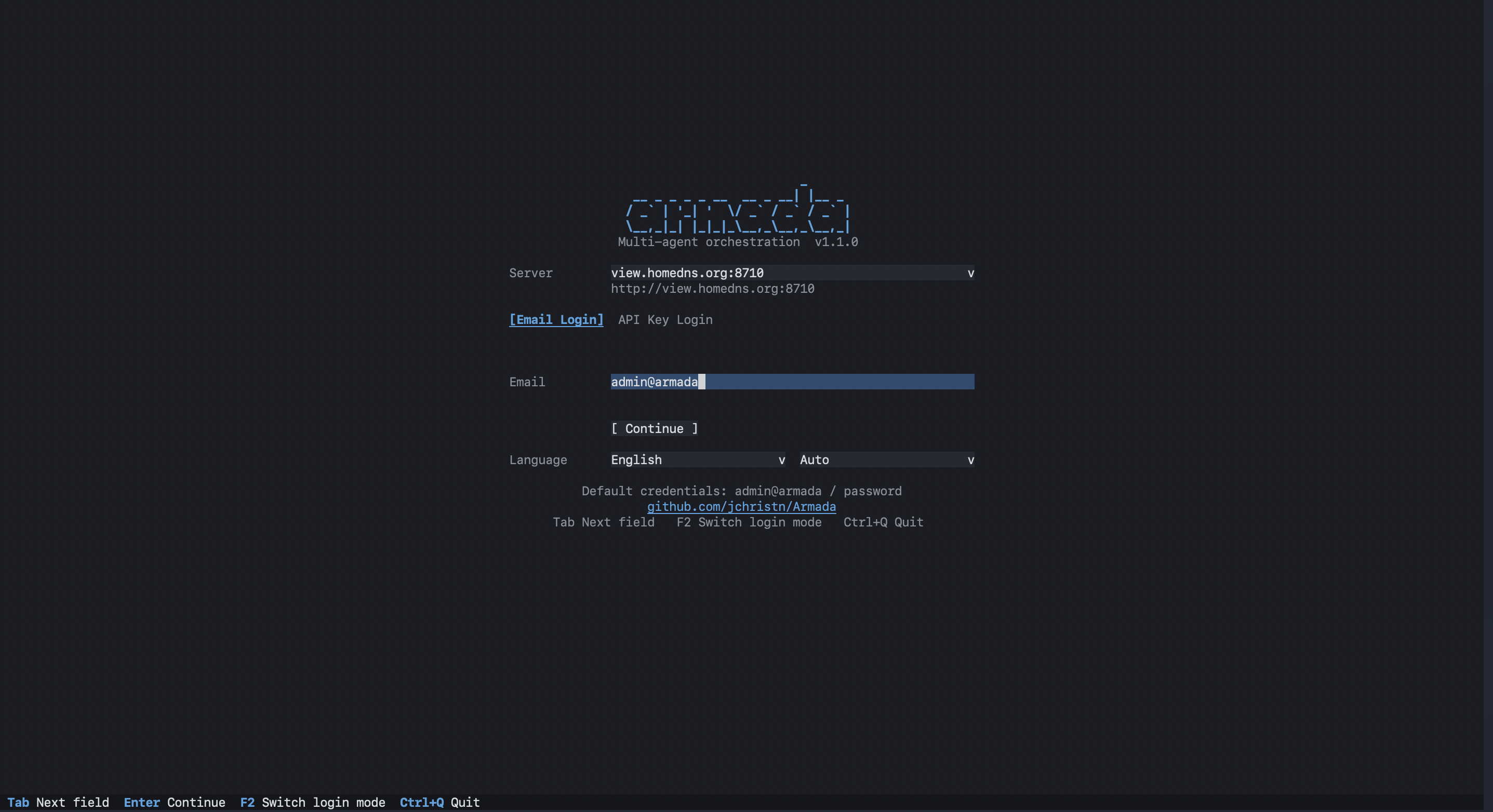
Command Line

Powerful CLI, intuitive commands

Everything you need from your terminal — rich output powered by Spectre.Console.

armada go "<prompt>"
Auto-init, detect runtime, spawn captain, dispatch task. The one command to rule them all.
armada status
Dashboard scoped to current repo. Add --all for a global view across vessels.
armada watch
Live auto-refreshing dashboard with desktop notifications on completion or failure.
armada ask "<question>"
Ask a captain-backed assistant about fleet state — or tell it what to do.
armada inbox --critical
Everything that needs a human: reviews, failed landings and merges, pending approvals.
armada log <captain> -f
Tail a specific agent's output in real time. Like tail -f for your AI agents.
armada mcp install
Auto-install and configure the MCP server for Claude Code, Codex, Gemini, Cursor, and Mux.
armada doctor
System health check. Validates runtimes, connectivity, git state, and configuration.
Quick Start

Up and running in minutes

Just the .NET 8+ SDK and at least one AI coding agent on your PATH. Zero to a fleet in under five minutes.

1

Install Armada

Clone the repo and install as a global .NET tool:

git clone https://github.com/jchristn/armada cd armada/src dotnet tool install -g Armada.Helm
2

Dispatch your first task

Navigate to any git repo and go:

cd ~/projects/my-api armada go "Add input validation..."
3

Enable AI orchestration

Let your AI assistant control the fleet:

armada mcp install claude --agent armada
Documentation

Extensively documented

Guides, API references, and orchestrator setup instructions for every supported runtime.

Ready to scale yourself?

Install Armada, run armada go, and let your fleet handle the rest.